

Voussoir
Set the span and rise instead of stretching a prefab. Voussoir lays out a stone arch that fits the opening you actually have.
See the real output
These are the current Creator Store images for Voussoir.
What you get
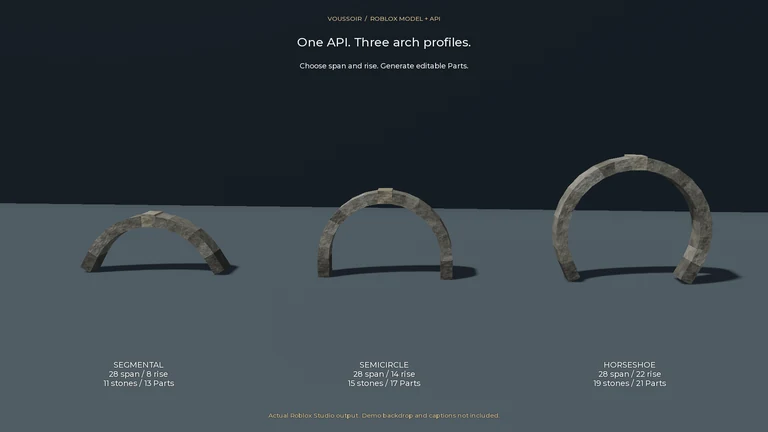
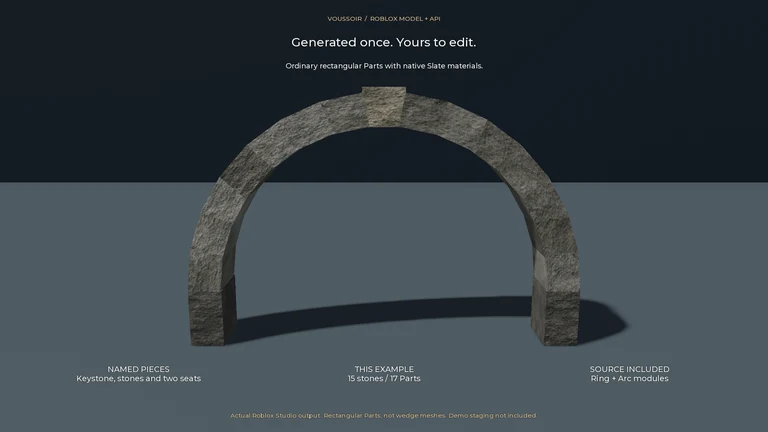
The included Ring and Arc modules build segmental, semicircular or horseshoe layouts from editable rectangular Parts, with deterministic colour variation, an odd crown count and two angle-matched seats.
How it holds up
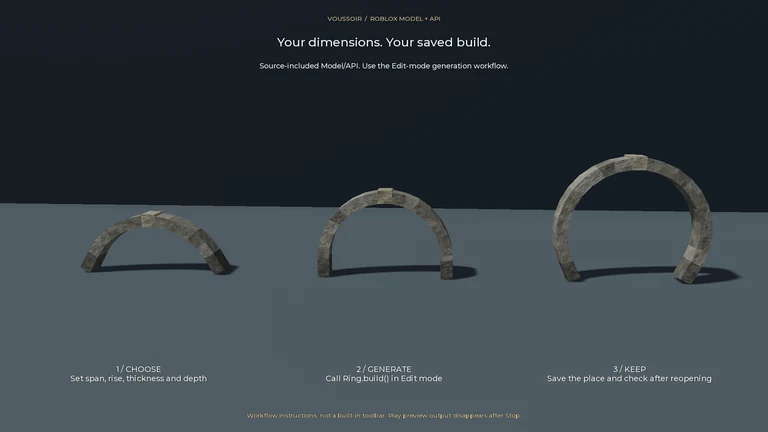
Use Raise for a temporary Play preview, or call Ring.build() and Ring.over() in Edit mode for geometry you can save. The readable source and examples are included.
What it does not do
The keystone is a visual convention, not structural certification. Blocks overlap inward rather than becoming wedge meshes; there are no pointed arches, physics simulation, automatic opening updates or built-in Undo. Builds stop at 201 stones and 203 Parts.
The listing, word for word
Fit an arch to your opening without stretching a prefab.
Voussoir is a source-included Model/API, not a toolbar plugin. Set span and rise in Raise, then press Play for a temporary preview. For geometry you can save, call Ring.build() or Ring.over() in Edit mode, save the whole place and reopen it.
INCLUDED • Ring/Arc ModuleScripts and a readable Raise example • Segmental, semicircular and horseshoe layouts • Editable rectangular Parts with deterministic color variation • An odd crown count and two angle-matched seats • Fixed limit: 201 stones / 203 Parts
The keystone is a visual layout convention, not structural certification. Blocks overlap inward; they are not wedge meshes. No pointed arches, physics simulation or automatic opening updates. No built-in Undo: verify Studio command history; plugin integrations manage their own recording. No network or telemetry.
The generated Folder is separate from the generator Model. Stop discards Play output; it is not a saved build.